A practical guide comparing cloud-managed security cameras to traditional NVR/DVR systems. Learn why businesses are migrating to cloud and when on-premise still makes sense.

Reliable local IT support starts with understanding what your organization actually needs, not simply choosing the first nearby listing. Use service scope, response times, security practices, and scalability to compare providers.
On-site IT services can cover much more than repairing a computer after it fails. A local technician may install equipment, troubleshoot networks, support employees, assess security controls, or help restore operations after a disruption. The right scope depends on your locations, systems, internal expertise, and tolerance for downtime.
A provider should begin with an assessment rather than assume every business needs the same package. For organizations with several locations, Harris Technology Services provides integrated physical security, IT, network infrastructure, and managed technology solutions through cloud-managed or on-premise systems.
Hands-on support is useful when a device must be physically installed, moved, configured, or inspected. Technicians may work with computers, servers, printers, switches, wireless equipment, and other business hardware while documenting what was changed.
Good troubleshooting looks beyond the immediate symptom. A slow workstation might involve failing hardware, a network issue, insufficient resources, or an application problem, so the visit should identify the cause and explain the recommended repair.
A local provider can inspect cabling, wireless coverage, switches, routers, and connectivity between locations. This is particularly helpful when employees experience dropped connections, inconsistent speeds, or problems that appear only in certain rooms or offices.
Network work should account for current demand as well as planned growth. Ask whether the provider will document the environment, identify bottlenecks, and explain which changes are required now versus which can wait.
A cybersecurity assessment reviews how devices, accounts, networks, and business processes are protected. On-site work can add context that is difficult to gather remotely, such as exposed equipment, unmanaged devices, or physical access concerns.
The provider should describe the assessment in plain language and separate confirmed findings from recommendations. Clear security ownership matters because your team needs to know who monitors issues, who responds, and what happens when a risk is identified.
Backup and disaster recovery support focuses on how business information is copied, protected, and restored. A provider should discuss backup frequency, retention, recovery priorities, testing, and the systems that must return first after an outage.
Do not assume that a backup exists simply because a service is enabled. Ask for evidence of successful backups and regular restoration testing, especially for accounting, customer, operational, and communications systems.
Employees often need help with device setup, software errors, access problems, and changes to their work environment. An on-site technician can resolve issues that involve peripherals, local connectivity, equipment placement, or a user who cannot describe the problem remotely.
The most effective support also looks for patterns. Repeated issues with one application or group of devices may signal a training, configuration, licensing, or infrastructure problem rather than isolated user error.
Many organizations search for on site it services near me only after an outage has already disrupted work. That approach can produce a rushed decision and limited choices. A better time to evaluate local support is when recurring problems, new locations, equipment changes, or security concerns begin consuming internal time.
Local service is not automatically better for every task, but physical access can shorten diagnosis when equipment, cabling, power, or environmental conditions are part of the issue. Consider both the immediate repair and the operating model that would prevent similar interruptions.
Repeated connectivity failures, unexplained slowdowns, aging equipment, and unresolved security alerts are signs that a single repair may not be enough. Track when problems occur, which users are affected, and whether the same workaround keeps returning.
A pattern gives a prospective provider something concrete to investigate. It also helps leaders distinguish between an isolated incident and a broader need for monitoring, lifecycle planning, or network improvement.
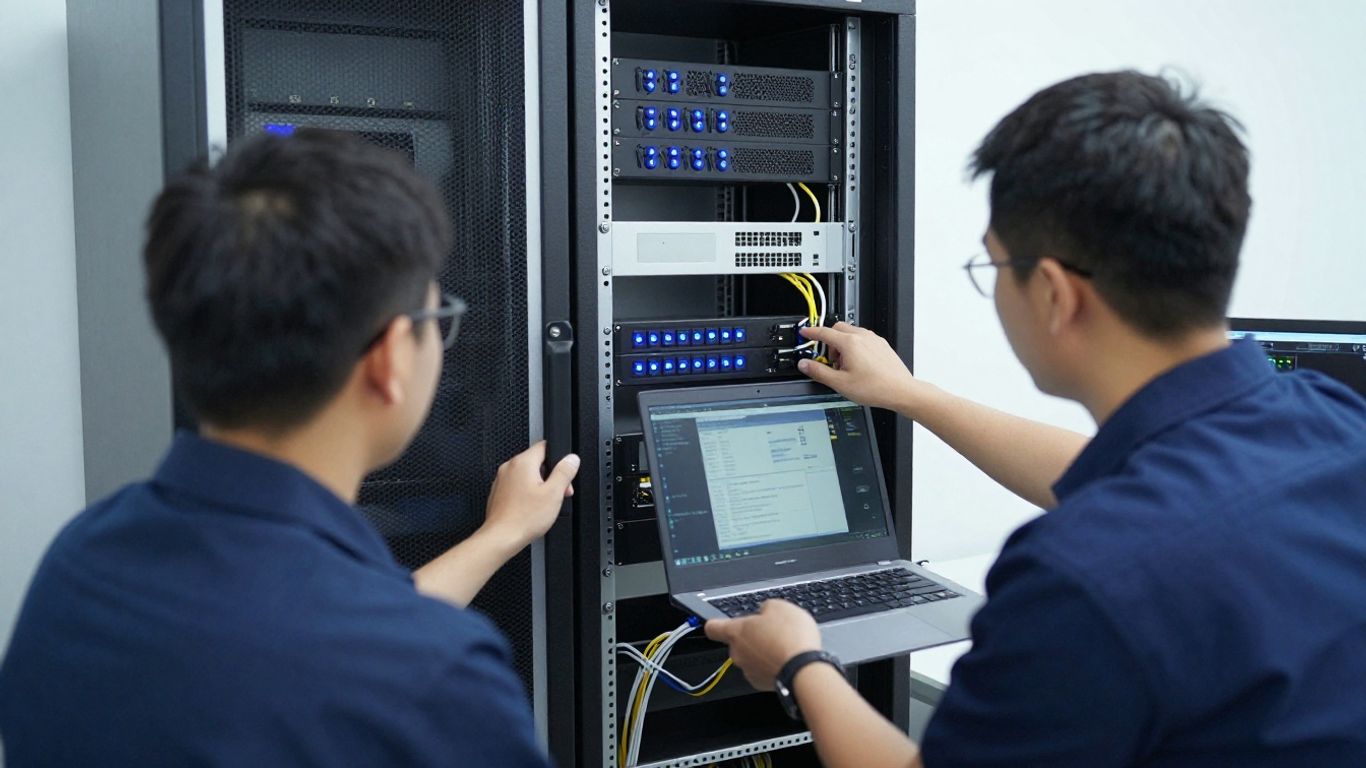
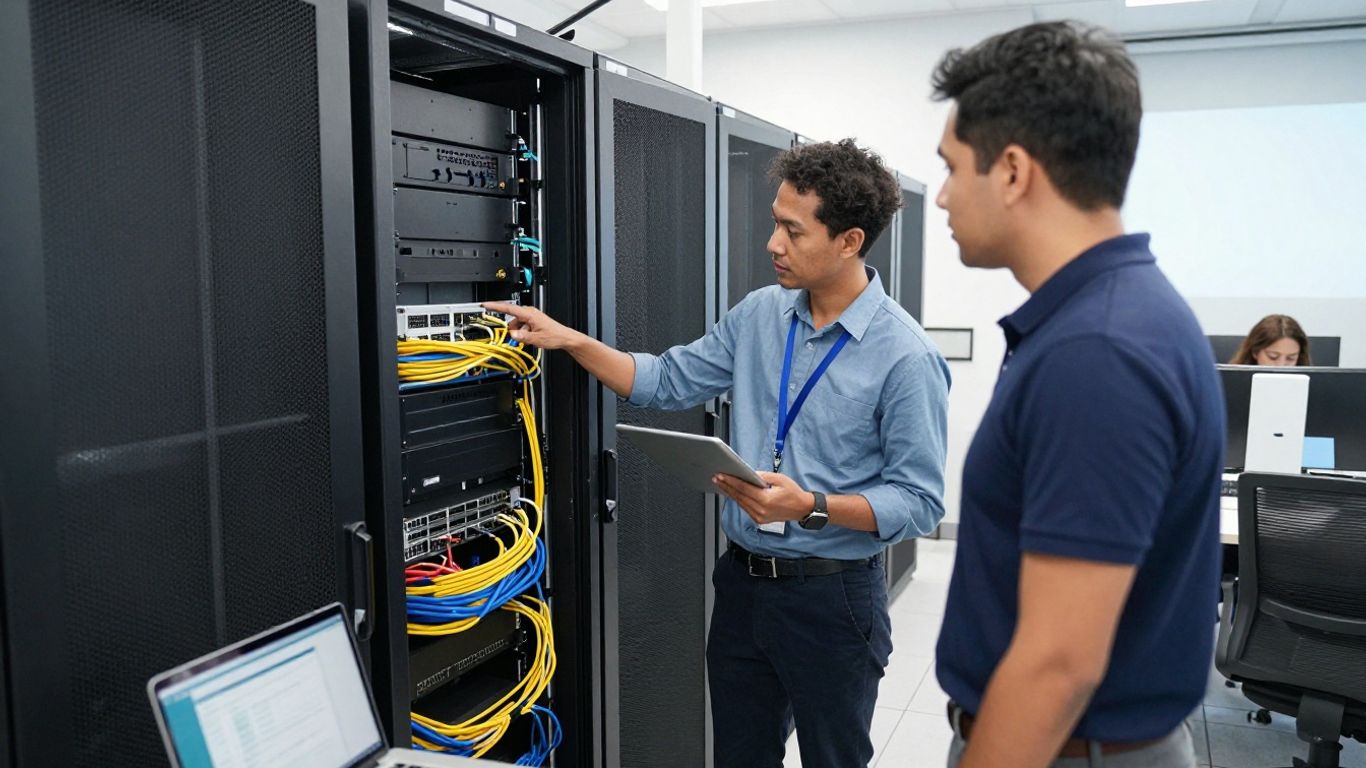
Some problems cannot be fully understood from a remote session. A technician may need to inspect a rack, replace a component, trace a cable, test wireless coverage, set up a new office, or verify how equipment is physically connected.
Hands-on support is also useful during office moves, expansions, technology refreshes, and multi-site deployments. Before booking a visit, describe the physical environment and access restrictions so the provider can send the right person with suitable equipment.
A quick response can limit lost productivity when a core device, network connection, or shared system fails. It can also reduce the temptation to make unrecorded changes that create additional problems later.
Response time should be measured against business impact, not just a marketing promise. Ask whether urgent incidents receive different treatment from routine requests, whether travel time is included, and how the provider communicates during the repair.
Remote support is often efficient for account, software, configuration, and routine help-desk issues. On-site service becomes more valuable when the problem involves physical equipment, local infrastructure, installation, or several affected systems.
The strongest arrangement may combine both methods. For each common incident, ask which channel is used first, when escalation occurs, and how the provider prevents a remote workaround from hiding a deeper problem.
Search results are a starting point, not a qualification process. Local listings can reveal service areas and specialties, but they rarely show how a provider handles documentation, escalation, sensitive data, or a complicated outage.
Build a short list of providers that appear able to support your organization’s size and operating model. Then verify claims directly, request a conversation, and compare written responses rather than relying only on star ratings.
Use specific search terms that reflect the work you need, such as network support, business hardware installation, managed IT, or multi-site technology services. Review the provider’s service pages and look for clear descriptions rather than broad promises.
A regional provider’s service area may offer useful context even when your organization operates elsewhere. For example, Southern Maine IT support describes managed services, help desk support, network management, Microsoft 365 support, and backup and disaster recovery for businesses in its stated region.
A provider may appear nearby while dispatching from another city or serving your location only through a third party. Confirm the actual service area, technician availability, travel charges, and expected arrival times for routine and urgent work.
For multi-site organizations, ask whether the same processes apply across locations. Consistent documentation and escalation can matter as much as geographic proximity when several offices depend on shared systems.
Experience with an industry does not guarantee a fit, but it can shorten the learning curve around workflows, compliance expectations, and critical systems. Ask whether the provider supports organizations similar in size, location count, and technical complexity.
A small office may need practical support without unnecessary infrastructure. A larger organization may need coordinated deployment, integration, and predictable management across many sites. The proposal should reflect that difference.
Referrals can reveal how a provider behaves between formal service calls. Ask trusted business contacts whether technicians communicate clearly, document their work, arrive as promised, and follow through after a repair.
Treat every referral as one perspective rather than a guarantee. The final decision should still rest on your environment, service requirements, contract terms, and the provider’s ability to explain its approach.
Evaluation should connect technical capability with operational accountability. You are not only choosing someone who can fix equipment; you are choosing how technology risks, requests, and changes will be managed over time.
Request enough detail to compare providers on equal terms. Harris Technology Services works with single-site and multi-site organizations and positions its work around integrated, scalable solutions managed end to end, which is a useful standard for evaluating ownership and coordination.
Ask which technicians will work on your environment, what training they maintain, and how their experience applies to your systems. Certifications can be useful evidence, but they should supplement practical explanations rather than replace them.
Invite the provider to describe a similar project, including the initial assessment, implementation steps, documentation, and follow-up. A capable team should be able to explain tradeoffs without burying the decision in jargon.
A proposal should distinguish included services from billable extras. Review response targets, on-site hours, after-hours rates, travel charges, hardware handling, cancellation terms, and the process for approving work outside the original scope.
Use a comparison table to make differences visible before discussing price alone:
| Area to compare | Questions to ask | Why it matters |
|---|---|---|
| Response | What are the targets for urgent and routine requests? | Sets practical expectations during disruptions |
| Coverage | Which locations, devices, and systems are included? | Prevents gaps between sites or teams |
| Charges | What is included, and what triggers additional fees? | Makes budgeting more predictable |
| Documentation | Will changes, diagrams, and findings be recorded? | Supports continuity and future troubleshooting |
After reviewing the table, test each answer against a realistic incident. A low monthly price may not be useful if essential systems, on-site visits, or emergency response are excluded.
Look for evidence that the provider has handled work resembling yours. References should be able to discuss reliability, communication, project management, and what happened when the initial plan changed.
Case studies can illustrate one client’s experience, but they are not guarantees of the same outcome for every organization. Ask what conditions made the project successful and which assumptions would need to be revisited in your environment.
Find out who receives requests, who owns the ticket, and how unresolved issues move to a more senior technician or manager. Clear escalation is especially important when an incident affects multiple sites or business-critical systems.
Ask how status updates are delivered and what information appears in a service report. A provider should leave your team with an understandable record of findings, actions taken, remaining risks, and recommended next steps.
Providers often use similar labels for different service models. Compare what actually happens before, during, and after an incident, including who monitors systems, who authorizes changes, and how the relationship adapts as your organization grows.
A useful comparison separates reactive support from ongoing management. It also considers whether the provider can integrate cloud services, network infrastructure, security controls, and on-site work without creating disconnected responsibilities.
Break-fix support is generally requested when something fails and priced around the work performed. It can suit organizations with infrequent needs, though recurring incidents may make costs and response times difficult to predict.
Managed IT services use an ongoing arrangement for defined monitoring, support, maintenance, or planning activities. Ask what proactive work is included and whether the model matches your internal team, budget, and appetite for regular oversight.
A help desk gives employees a clear route for reporting issues and checking status. Remote monitoring can help identify certain system conditions before users notice them, but the exact devices, alerts, and response actions must be documented.
Ask how alerts become tickets, how false positives are handled, and when a remote issue becomes an on-site dispatch. The answer should show a practical workflow rather than simply list tools.
Software support may include account administration, configuration assistance, updates, licensing coordination, and user troubleshooting. Confirm whether the provider supports the specific applications your organization relies on and whether your internal administrators retain appropriate control.
Cloud services still depend on identity, connectivity, endpoint settings, and user practices. A provider should explain those dependencies instead of treating cloud support as separate from the rest of your environment.
Network management can include configuration, performance review, documentation, and support for connected locations. Endpoint security concerns the protection and management of workstations, laptops, servers, and other devices.
Compare how the provider handles patches, device inventory, access rights, alerts, and exceptions. The goal is not a long list of features; it is a clear operating process that fits your risk and staffing model.
If your organization has regulatory, contractual, or internal security obligations, ask how the provider supports evidence collection, access controls, retention, and incident processes. Do not assume a general IT service automatically satisfies a specific compliance requirement.
Request a direct explanation of what the provider does, what remains your responsibility, and which policies or legal interpretations require your own advisors. Specific boundaries make the engagement easier to govern.
A first conversation should uncover fit before it turns into a sales presentation. Bring a short description of your locations, systems, recurring problems, internal resources, and business priorities.
Use the answers to identify assumptions that could later become extra charges or delays. The most useful questions are direct, specific, and tied to situations your team has actually experienced.
Ask for a plain-language description of included labor, monitoring, support channels, travel, project work, hardware handling, and after-hours assistance. Request examples of work that would be billed separately.
Then compare the pricing model with your incident history. A fee that appears simple may be less useful if common needs are routinely excluded.
Ask for typical and maximum arrival targets by location and incident priority. Confirm whether the commitment begins when you call, when a ticket is approved, or after remote troubleshooting has taken place.
Also ask who comes on-site and what happens if the assigned technician is unavailable. A written escalation path is more useful than an informal assurance of urgency.
Clarify which provider staff, subcontractors, or tools may access systems and information. Ask how accounts are provisioned, monitored, limited, and removed when access is no longer needed.
The agreement should address confidentiality, credentials, remote tools, data handling, and incident notification. Your team should know how access is approved and how activity can be reviewed.
Ask whether emergency support is available after hours, how it is initiated, and which incidents qualify. Confirm the rates, response targets, communication method, and authority required to begin work.
Run through a realistic scenario, such as a network outage at night or a compromised account on a weekend. The provider’s process should be understandable to the person who will actually make the call.
Discuss new locations, acquisitions, hiring, technology refreshes, and changes in internal staffing. A provider should be able to explain how services, documentation, pricing, and responsibilities change as the environment becomes more complex.
Harris Technology Services describes support for organizations ranging from small businesses to enterprises, with cloud-based or on-premise management options. That kind of range is worth exploring only when the proposed approach remains tailored to your actual size and requirements.
Preparation helps a technician spend less time reconstructing the problem and more time resolving it. It also gives your organization a record of what was found, what changed, and what still needs attention.
Before the visit, identify a point of contact who understands both the business impact and the technical symptoms. Reserve access to equipment and affected work areas, and make sure the provider knows about building, safety, or scheduling restrictions.
Record what happened, when it started, who is affected, and whether the issue is intermittent. Include device names, locations, error messages, recent installations, moves, updates, or configuration changes.
Avoid relying on memory during a stressful outage. A short timeline, screenshots, and a list of affected users can help the technician distinguish a local device issue from a wider service problem.
Collect available network diagrams, equipment inventories, ISP details, vendor contacts, maintenance windows, and relevant support credentials. Store sensitive credentials securely and share them only through an approved process.
If documentation is incomplete, say so in advance. The technician may need extra time to discover the environment, and acknowledging that early is better than allowing an unrealistic appointment scope.
Review what information the technician might encounter and confirm the access rules that apply. Back up important files, close unnecessary applications, and identify systems that require special handling.
Do not email passwords or place confidential data in an open workspace. A provider should be able to explain how it limits access and records work without exposing more information than necessary.
Make a short priority list before the visit. Include systems that affect revenue, safety, customer service, communications, production, or access to essential records.
A practical priority list might include:
This list gives the technician a starting order while leaving room for findings that change the diagnosis. It also helps leaders make informed decisions if every requested task cannot be completed in one visit.
Ask for a service summary that states the symptoms, findings, actions, unresolved risks, and recommended follow-up. Test the affected systems with the users who rely on them rather than assuming that a restored device means the business process is working.
Record any changes in your internal documentation and schedule follow-up tasks promptly. The visit has produced the most value when it improves both the immediate condition and your understanding of the environment.
Finding dependable on-site IT support means matching local response capability with sound technical scope, clear accountability, and a service model that can keep pace with the organization. Compare providers on real operating details, prepare carefully for service visits, and choose a partner that can manage today’s needs without limiting tomorrow’s growth.
On-site IT services involve a technician visiting a business location to install, inspect, troubleshoot, repair, or support technology and infrastructure. They may complement remote help-desk and monitoring services.
Use on-site support when an issue involves physical equipment, cabling, local connectivity, installation, office changes, or problems that remote troubleshooting cannot resolve efficiently.
Search local providers, verify their actual service areas, ask about response times, review relevant experience, and request referrals or references from organizations with similar needs.
It should define covered systems and locations, support channels, response targets, pricing, exclusions, after-hours procedures, access controls, documentation, escalation, and termination terms.
Neither model is universally better. Break-fix may suit occasional needs, while managed support can provide more predictable oversight for organizations with recurring issues or limited internal resources.
Document symptoms and recent changes, gather relevant infrastructure information, protect sensitive data, arrange access, identify business-critical systems, and assign someone to validate the results.
Reliability comes from realistic response commitments, clear communication, qualified technicians, secure access practices, useful documentation, transparent pricing, and a service model that fits the organization.
Connect with us to explore our scalable solutions tailored to your unique needs and receive a personalized free quote.