A practical guide comparing cloud-managed security cameras to traditional NVR/DVR systems. Learn why businesses are migrating to cloud and when on-premise still makes sense.

Choosing computer services near me starts with defining the problem, not simply choosing the closest listing. A clear scope, transparent policy, and careful approach to access and data will usually lead to a better service experience.
The phrase “computer help” can describe anything from a failed power supply to a complicated network or account problem. Before contacting a provider, record what stopped working, when it began, and how the issue affects work or daily use. A precise description helps a technician prepare and makes estimates easier to compare.
Hardware problems often show up as symptoms rather than obvious component failures. A computer may overheat, shut down unexpectedly, refuse to power on, make unusual sounds, or become unreliable after a drop or liquid spill. Ask whether the provider tests the underlying cause, rather than replacing parts based only on the first visible symptom.
For a business device, the assessment should also consider downtime and compatibility. A replacement drive, memory upgrade, display repair, or power component may solve the immediate fault, but the technician should explain any effect on performance, warranty, and future maintenance.
Operating system errors, failed updates, driver conflicts, and application crashes can look like hardware trouble. Note any error messages and whether the issue affects one user, one application, or the entire device. A provider should be able to explain the proposed fix in plain language and distinguish a safe repair from a full reinstall that could remove files or settings.
Organizations with several computers may need more than a one-time fix. Harris Technology Services supports integrated IT and managed technology solutions, with cloud-managed or on-premise approaches suited to an organization’s environment. That broader perspective can be useful when recurring software problems point to a process or infrastructure issue rather than a single faulty workstation.
Suspicious pop-ups, unfamiliar accounts, sudden browser changes, and unusual network activity deserve careful attention. Do not assume that deleting one suspicious program resolves the problem; ask whether the provider will assess persistence, update protections, and explain what information may have been exposed. If a work device is involved, preserve relevant evidence and follow the organization’s incident process before making major changes.
A responsible service provider should separate cleanup from prevention. Questions about access controls, patching, backups, endpoint protection, and escalation help reveal whether the proposed service addresses the risk or only the visible symptom.
Data recovery is different from ordinary file copying. If a drive is clicking, disappearing, or repeatedly failing, stop using it and ask for an assessment before attempting repeated repairs. For routine setup, clarify whether the service includes moving files, configuring accounts, installing applications, and securely wiping the old device.
A backup plan should include more than one copy and a way to verify that files can be restored. For organizations, Harris Technology Services can be considered when data protection, IT operations, and network infrastructure need to be assessed as connected responsibilities rather than isolated tasks.
Local providers vary widely in scope, operating model, and ability to support business environments. A nearby storefront may be ideal for a straightforward laptop repair, while a multi-location organization may need coordinated work across sites. Compare the provider’s actual service model with the complexity of the problem instead of treating proximity as the main qualification.
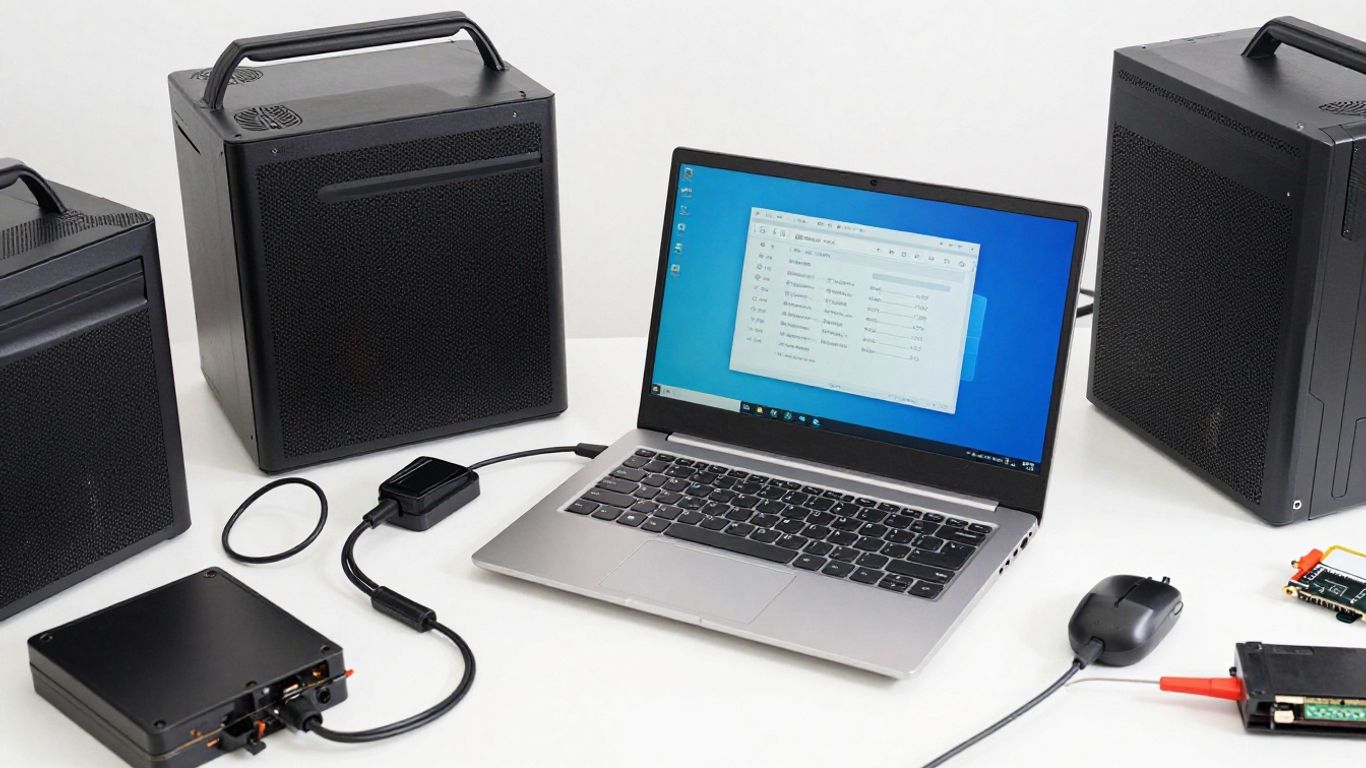
An in-store shop gives technicians access to benches, diagnostic equipment, spare parts, and a controlled workspace. It may be the practical choice for a damaged laptop or desktop that can be transported safely. A mobile technician, by contrast, can observe a workstation, printer, network cabinet, or user workflow in its normal setting.
Ask how travel time is billed, whether equipment remains on site overnight, and what happens if the initial visit reveals a problem requiring specialized tools. For a business, on-site work can also reduce the disruption of disconnecting and moving critical equipment.
An independent specialist may offer direct communication and familiarity with local customers. A national service center may have standardized processes, broader parts access, or centralized scheduling. Neither model is automatically better; the right choice depends on the device, urgency, geography, and need for continuity.
A useful comparison includes who actually performs the work, who owns the case after a referral, and whether the same standards apply across locations. For a nationwide organization, Harris Technology Services offers a model built around one accountable partner for physical security, IT, network infrastructure, and managed technology rather than disconnected local engagements.
Certifications can indicate formal training, but they should not replace practical questions. Ask how often the technician handles your device type, operating system, security tool, or network environment. For a business engagement, request examples of comparable scale without asking for confidential customer details.
Experience should also include documentation and communication. A capable provider explains findings, records changes, and identifies anything that needs follow-up. If the work involves a specialized platform, verify authorization and parts availability before approving the repair.
“Near me” can mean a convenient storefront, a technician who travels to your location, or a provider with reliable remote coverage. Confirm the actual service area, appointment windows, emergency availability, and expected time to diagnosis. A provider that is slightly farther away may be more suitable if it can support all of your sites consistently.
If you are evaluating local options, a computer repair provider in Henderson illustrates the kind of practical details worth checking: walk-in availability, appointment scheduling, device types supported, and likely turnaround. Treat those details as questions to verify for your own location, not as a promise that every provider operates the same way.
The cheapest quoted repair is not always the least expensive outcome. A low initial price may exclude diagnostics, data transfer, replacement parts, follow-up visits, or tax. Request enough detail to compare like with like, especially when a device supports payroll, sales, communications, or other time-sensitive work.
A diagnostic fee pays for investigation, testing, and professional judgment. Ask whether it is credited toward an approved repair and whether you receive a written report if you decline the work. The estimate should identify the suspected cause, recommended repair, parts, labor, data risks, and conditions that could change the price.
Avoid approving open-ended work without a spending limit. A simple authorization threshold lets the technician proceed with minor, agreed changes while requiring your approval for a larger expense.
Flat-rate pricing can make a defined service easier to budget, while hourly billing may be fairer when the problem is uncertain or involves troubleshooting across several systems. The key is knowing what the rate includes. Ask about minimum charges, travel, after-hours work, remote sessions, and time spent documenting the result.
The following comparison can help frame the conversation:
| Pricing approach | Often fits | Clarify before approval |
|---|---|---|
| Flat rate | Defined repairs or standard setup | Scope, exclusions, and parts |
| Hourly | Uncertain troubleshooting | Minimum time and billing increments |
| Retainer or managed service | Recurring organizational support | Included hours, response terms, and overages |
| Project quote | Migrations, upgrades, or multi-site work | Milestones, assumptions, and change control |
The most useful quote connects price to an outcome and a boundary. If the provider cannot explain when billing stops or what triggers a revised estimate, keep comparing.
Ask whether parts are new, refurbished, or sourced from another channel, and whether the repair preserves an existing manufacturer warranty. A written labor and parts warranty should state its duration, exclusions, and process for returning a failed component.
For business systems, also ask who documents serial numbers, configurations, and replaced parts. Good records make future service easier and reduce uncertainty when equipment changes hands.
Before booking, confirm how appointments can be canceled, whether deposits are refundable, and what happens if the provider cannot complete the repair. A turnaround estimate should distinguish diagnosis from completion, particularly when parts must be ordered.
Ask how unclaimed devices are handled and whether a return visit is included if the original symptom returns. These details may seem administrative, but they often determine whether a small repair remains manageable or becomes a prolonged interruption.
A technician may handle personal files, business records, passwords, or devices connected to a wider network. Trust therefore depends on process, not just friendly service or a high star rating. Look for clear ownership, documented access practices, and reviews that describe the type of work you actually need.
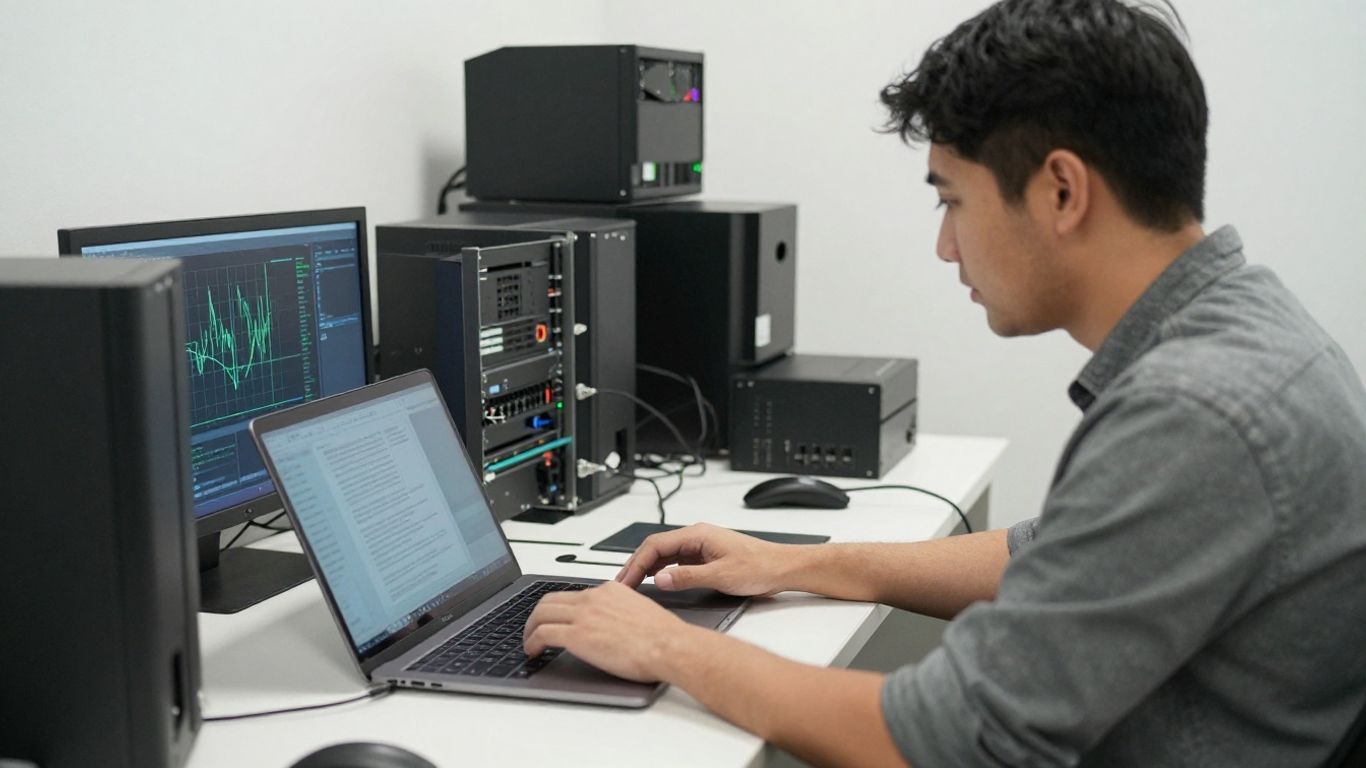
Read recent reviews for patterns rather than focusing on a single enthusiastic or negative comment. Look for references to communication, estimate accuracy, punctuality, data handling, and how the provider responded when a repair became more complicated. Reviews about unrelated products or simple transactions may say little about technical capability.
A local example such as Somerville computer repair and data recovery can help you identify the service categories to compare, including hardware work, virus removal, and secure recovery. Still, verify the provider’s current scope, location, and policies directly before relying on any listing.
Back up important files before service whenever the device still functions. Use a separate account when possible, avoid sharing a primary password unnecessarily, and ask whether the technician needs access to the whole device or only a specific application. For business equipment, follow internal approval and chain-of-custody procedures.
Access should be limited to what the task requires. Ask how files are protected during diagnosis, whether temporary copies are deleted, and who can view or export data. If a device contains regulated, confidential, or client information, the provider should be prepared to discuss appropriate handling before work begins.
A short conversation can expose gaps in a provider’s process. Ask these questions before leaving equipment or granting remote access:
Clear answers do not guarantee a perfect repair, but they establish expectations. Hesitation, vague promises, or pressure to surrender unrestricted access are reasons to pause and seek another opinion.
Be cautious when a provider promises a fixed result without examining the device, refuses to explain fees, or pressures you to approve unrelated upgrades. Other concerns include requests for unnecessary credentials, unexplained remote-control software, missing intake records, and reluctance to put warranty terms in writing.
A professional provider can acknowledge uncertainty. It should explain what is known, what still needs testing, and what decision points may arise during the work. That candor is more useful than an overly confident diagnosis made from a short phone call.
Good preparation reduces avoidable delays and protects both the customer and the technician. Gather the device, charger, relevant accessories, account details, and any recovery media that may be needed. For a business, coordinate with the person responsible for data, security, and operational continuity before the appointment.
Copy important documents, photos, application data, and configuration files to a verified destination before service. Do not assume that a device that still starts is safe; intermittent failures can become permanent during diagnosis. If the data is particularly valuable, confirm that the backup can be opened from another device.
Separate essential files from temporary downloads and duplicate material. This helps the technician understand what must be preserved and makes a later transfer or restore more efficient.
Do not write a primary password on a note attached to the computer. Instead, ask whether a temporary local account, supervised sign-in, or limited administrative access will work. If you must provide credentials, change them after the work and remove any temporary account when the service is complete.
List the accounts and applications that matter, but share only what is necessary. Business owners should also confirm who is authorized to approve changes to email, security, network, and cloud systems.
Write down the exact symptom, frequency, error message, and steps that reproduce it. Include recent updates, new applications, dropped equipment, power events, network changes, or other events that might be connected. A short timeline is often more useful than a general description such as “it is running badly.”
Take photographs of cable connections and physical damage when appropriate. Keep copies of the intake form and any diagnostic report so a second provider can understand what has already been tested.
Separate urgent needs from desirable improvements. For example, restoring access to accounting files may come before cleaning up a cluttered desktop or upgrading a secondary application. Share that order with the technician so the proposed work reflects operational priorities.
A simple priority list might include:
This keeps a repair conversation focused and makes it easier to decline extras without losing sight of the main problem. It also gives the provider a clearer basis for sequencing work.
The best service format depends on the device, risk, urgency, and number of people or locations affected. Remote support can be efficient for software; on-site assistance can reveal environmental causes; a shop may be better equipped for physical repair. Organizations should also consider whether a recurring support relationship is more practical than repeated emergency visits.
Remote support can work well for application settings, account assistance, software updates, routine troubleshooting, and guided configuration. It is less suitable when the computer will not power on, a component has failed, or sensitive data cannot be exposed through a remote session. Confirm how remote access is initiated and how it is disabled afterward.
For organizations with distributed users, remote assistance may be part of a broader managed approach. Harris Technology Services provides managed technology solutions that can be cloud-managed or on-premise, allowing the service model to be considered alongside the organization’s infrastructure and operating requirements.
On-site help is valuable when the issue involves cabling, printers, wireless coverage, conference rooms, server rooms, physical access, or several devices at one location. A technician can see conditions that a remote session may miss, including heat, power, placement, and connections between systems.
Before scheduling, confirm whether the visit includes testing after changes are made. For a larger workplace, ask whether the provider can document the environment and identify related risks without expanding the scope beyond what you approved.
A repair shop is often appropriate for a single device with a physical fault, especially when it needs bench testing or specialized equipment. It can also be convenient when the owner can leave the computer securely and does not need workplace systems assessed at the same time.
Choose a shop that explains intake, data protection, parts, timing, and collection procedures. If the device is an Apple product, a local specialist such as MacClinic is an example of the kind of brand-specific repair, support, and service format— in-shop, on-site, or mail-in—worth verifying against your own needs.
Repair is not always the sensible choice. Replacement may be better when the device is near the end of its useful life, lacks required security support, has repeated failures, or costs nearly as much to repair as a suitable replacement. Consider migration time, accessories, software licensing, downtime, and disposal—not just the purchase price.
A provider should explain both options without treating replacement as automatic. For organizations, the decision should also account for standardization, manageability, support coverage, and whether the new equipment fits the broader technology plan.
Reliable computer support begins with a well-defined problem and continues through careful provider comparison, transparent pricing, secure access, and realistic decisions about repair or replacement. Whether you need a local technician for one device or a coordinated partner for multiple sites, choose the service model that matches your operational risk, technical complexity, and long-term priorities.
Compare recent reviews, service policies, technician experience, response times, and data-handling practices. Request a written estimate and confirm who is responsible for the work before handing over a device.
Use a shop when bench testing or specialized equipment is likely to help. Choose a mobile technician when the environment, network connections, or several on-site devices are part of the problem.
It should explain the suspected issue, diagnostic fee, labor, parts, taxes or travel charges, expected timing, warranty terms, and circumstances that could change the price.
Share the minimum access required and ask whether temporary or limited access is possible. Change credentials afterward, remove temporary accounts, and confirm how any copied files will be deleted.
Back up important files, record the symptoms and recent changes, gather chargers and accessories, and identify which files or applications are essential. Keep your account credentials private unless access is genuinely necessary.
Repair is usually more sensible when the device is otherwise suitable, the fault is isolated, and the cost is reasonable. Replacement may be preferable when failures repeat, security support is ending, or repair and migration costs approach the value of a newer system.
Remote support can handle many software, account, and configuration issues. It is generally less suitable for dead hardware, physical damage, failing storage, or problems that require inspecting the device or its local environment.
Connect with us to explore our scalable solutions tailored to your unique needs and receive a personalized free quote.