A practical guide comparing cloud-managed security cameras to traditional NVR/DVR systems. Learn why businesses are migrating to cloud and when on-premise still makes sense.

Reliable CCTV camera servicing is a planned operational task, not just a response to a failed camera. Regular inspections help organizations preserve coverage, recording quality, network access, and predictable maintenance costs.
CCTV camera servicing combines physical inspection, functional testing, cleaning, configuration review, and documented corrective work. The goal is to confirm that each camera sees the intended area and that useful footage can be retrieved when needed. For a single site, this may be a straightforward facilities task; for multi-site organizations, it benefits from consistent standards and centralized oversight. A practical CCTV maintenance plan can help turn these activities into a repeatable operating process.
A professional visit normally begins with a review of the camera inventory, coverage objectives, recent faults, and access requirements. The technician then checks the physical equipment, image quality, recording path, communications, and relevant software settings. Findings should be recorded by camera rather than described generally, because one failed device can be hidden inside an otherwise healthy system. Harris Technology Services approaches managed technology work with assessment and end-to-end support in mind, which is useful when security equipment shares responsibilities with IT or network teams.
Some warning signs are obvious, such as a black screen or a camera that is visibly damaged. Others are quieter: a shifted field of view, a dirty dome, delayed playback, missing overnight footage, or repeated offline notifications. Compare current footage with an earlier baseline and ask whether the camera still covers the area it was installed to protect. If staff are handling basic checks, a practical camera troubleshooting guide can help distinguish a simple configuration issue from a hardware fault.
Routine servicing looks for deterioration before it becomes an outage. Emergency repair starts when coverage is already compromised, equipment has failed, or an incident requires immediate access to recorded video. Both have a place, but relying only on emergency work usually creates rushed decisions, inconsistent documentation, and avoidable downtime. A clear escalation path should identify which faults can wait for the next visit and which require immediate isolation, replacement, or technical support.
Servicing protects coverage by checking the complete chain from scene to usable evidence: the lens, camera, cable, network, recorder, storage, and viewing interface. It also tests assumptions that live video alone cannot confirm, such as whether footage is being retained for the required period. Harris Technology Services can be considered when an organization needs physical security, IT, network infrastructure, and managed technology addressed through one accountable relationship, with cloud-managed or on-premise approaches selected to fit the environment.
Physical condition has a direct effect on what a camera can see and how long it will remain dependable. Outdoor units face weather, dust, temperature changes, vibration, and accidental contact, while indoor devices may be affected by construction debris, cleaning chemicals, or moved furniture. Start with a safe visual inspection, then test the equipment without disturbing a correctly aligned camera. This section is especially relevant for sites with many similar devices, where small mounting or cabling problems can otherwise go unnoticed.
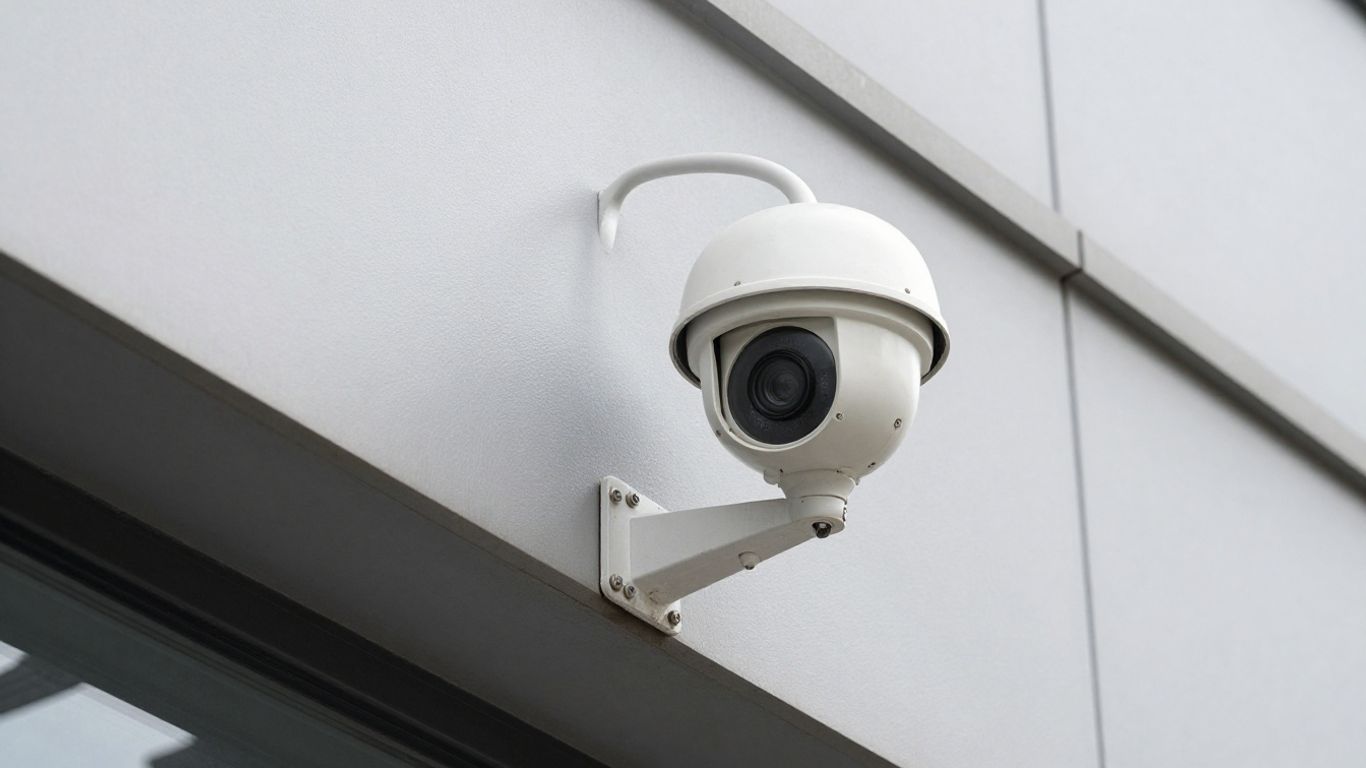
Inspect the lens cover for scratches, cracks, clouding, and residue. Check that the housing is closed correctly and that the mount has not loosened, tilted, or shifted under vibration. A camera can remain online while its view gradually moves away from a doorway, loading area, or restricted zone. Photographing notable changes and recording the original mounting position makes later inspections more useful.
Clean lenses with materials intended for optical surfaces rather than abrasive cloths or harsh household products. Look for condensation inside the housing, water marks around seals, cobwebs, foliage, parked vehicles, and newly installed fixtures that block part of the scene. After cleaning, verify the image at different times of day because glare and low light may reveal an obstruction that is not obvious during the visit.
For a movable camera, test the full range of pan, tilt, and zoom without forcing the mechanism or repeatedly cycling it unnecessarily. Confirm that presets return to the intended positions and that operators can still select useful views. A movement test should also check whether the image shakes, stalls, or loses focus as the camera changes position. Record any limits so operators do not assume a preset provides coverage that the mechanism can no longer reach.
Inspect cable routes for tension, crushed sections, exposed conductors, loose connectors, and signs of water entry. Confirm that power supplies, injectors, switches, and surge protection are appropriate for the installed equipment and that connections are secure. For organizations managing several locations, a consistent inspection record makes recurring cable or power faults easier to compare. If a failure is intermittent, avoid repeatedly reseating connections without documenting what changed; that can hide the underlying problem.
A camera that displays a picture is not necessarily producing useful evidence. Focus, angle, exposure, infrared behavior, frame delivery, storage, and playback all affect the final result. Maintenance should therefore include a short review of recorded footage, not just a glance at the live monitor. The right checks vary by scene: a warehouse aisle, cash-handling area, parking lot, and reception desk may need different image settings and retention expectations.
Review the scene from the viewpoint that operators actually use, then compare it with the intended coverage plan. Adjust focus only after confirming that the lens cover is clean and that the camera is stable. Exposure, backlight compensation, wide dynamic range, and noise reduction can each improve one part of an image while creating a different problem elsewhere. Make one change at a time and retain a record of the prior settings so the result can be reversed.
Night testing should be performed in the conditions that matter, not only in a bright office during daytime. Check whether infrared illumination reaches the necessary area, creates reflections from nearby surfaces, or produces a washed-out foreground. Look for uneven lighting, bright halos, and loss of detail at the edges of the scene. If a camera switches between day and night modes unpredictably, include power, exposure, environmental light, and firmware in the diagnostic review.
Storage checks should confirm available capacity, retention behavior, recording triggers, timestamps, and the schedule for each camera. A system may appear healthy while recording only during business hours or overwriting footage sooner than the organization expects. Use a small sample to confirm that recorded footage can be found and exported. A maintenance record benefits from comparing planned retention with actual retention, especially when resolution or camera count changes.
| Check | What to verify | Why it matters |
|---|---|---|
| Recording schedule | Continuous, event-based, or defined time windows | Confirms coverage matches operating needs |
| Storage capacity | Available space and overwrite behavior | Reduces unexpected loss of older footage |
| Playback | Search, timestamps, export, and audio where applicable | Confirms footage is usable after capture |
| Camera status | Online state, errors, and missed intervals | Helps identify gaps that live view hides |
The table is a starting point rather than a substitute for policy. Retention, access, and export procedures should reflect the organization’s operational requirements and applicable obligations. A short playback test after any configuration change can prevent a misleading sense of security.
Review recordings from representative cameras at normal speed and, where useful, frame by frame. Watch for frozen images, jumps in time, inconsistent timestamps, compression artifacts, and areas that disappear when a camera moves. Compare the recorded view with the live view, since a problem may occur in the recorder or network path rather than at the camera itself. Recorded footage is the final test of whether the system is doing its job.
Troubleshooting works best when it follows the signal path instead of guessing at parts. Begin with the symptom, identify whether it affects one camera or many, and note when the issue began. A security camera repair resource can provide general context, but site-specific changes, environmental conditions, and system documentation still matter. Keep temporary fixes separate from permanent corrective work so unresolved risks do not disappear from the maintenance record.
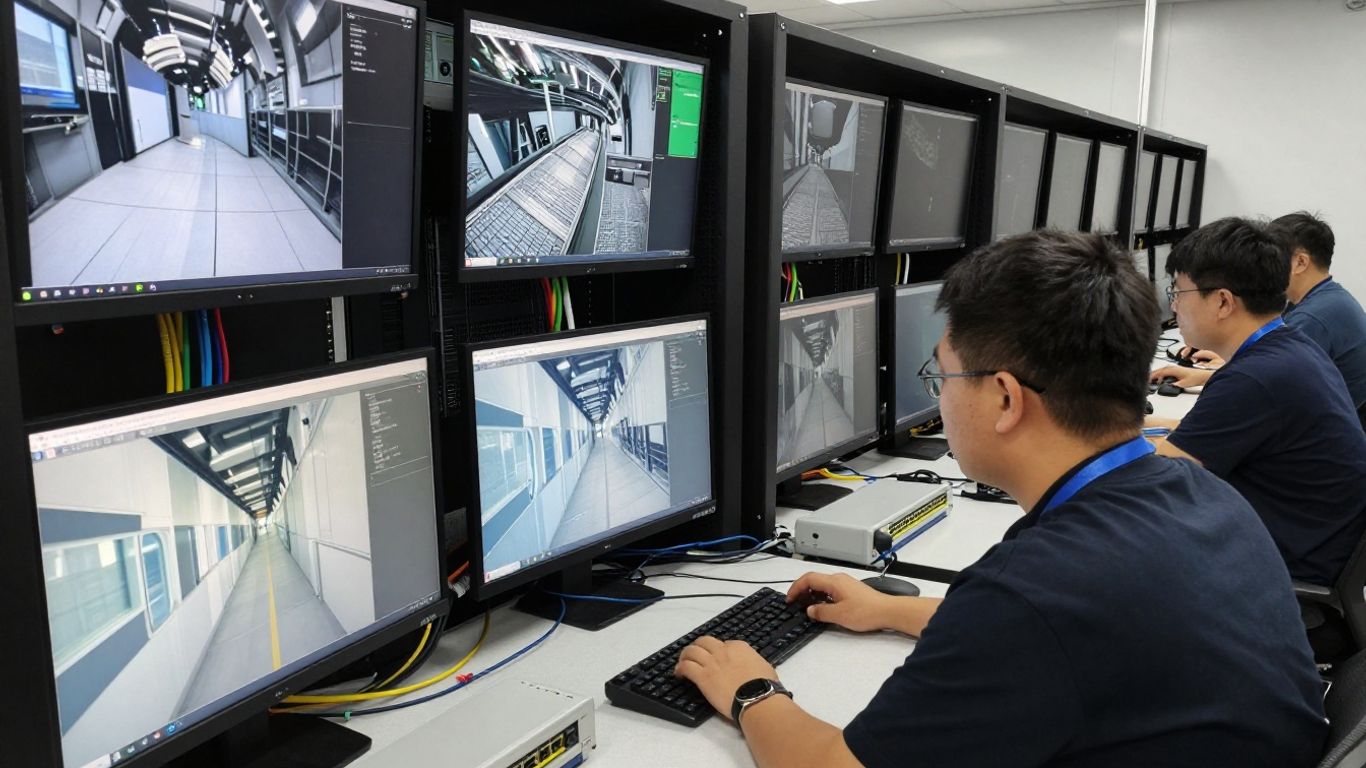
Blurry video may come from a dirty cover, incorrect focus, movement, condensation, a damaged lens, or excessive digital zoom. Check the physical surface first, then compare the image at different distances and lighting levels. Distortion across several cameras can point toward a display, encoding, or network issue rather than individual lenses. Avoid sharpening an image aggressively before correcting the physical or optical cause.
Intermittent loss requires timing and pattern information. Record whether the camera drops during rain, heat, movement, high network activity, or a particular time of day. Check power stability, connectors, switch ports, wireless conditions where applicable, and error logs. If several cameras fail together, investigate shared infrastructure before replacing individual cameras. If only one device is affected, compare its cable run and power path with a nearby working unit.
Remote-viewing problems may originate in the camera, recorder, local network, firewall, application, or account permissions. First confirm whether local viewing works; that single distinction narrows the diagnostic path considerably. Then check name resolution, routes, bandwidth, service status, and recent network changes according to the organization’s procedures. For home or small-business environments, smart camera repair advice may help with basic Wi-Fi and cloud-connected checks, while business systems often require coordination with network administrators.
Power faults can appear as complete failure, repeated restarts, image noise, or nighttime dropouts when illumination increases demand. Check the rated supply, connector condition, voltage at the device, ventilation, and ambient temperature. Do not place a failed power adapter back into service simply because the camera starts temporarily. Replace damaged components with approved equivalents and document the reason, test result, and any environmental correction.
Modern CCTV systems often depend on switches, routers, servers, cloud services, mobile applications, and identity controls. That makes maintenance a shared security and IT responsibility rather than a camera-only task. Changes should be planned, recorded, and tested after implementation. Harris Technology Services supports organizations that need integrated physical security, IT, and network infrastructure considered together, which can be useful when camera reliability depends on broader technology operations.
Confirm link status, negotiated speed, switch-port errors, address assignments, and the path between cameras, recorders, and authorized viewers. Review bandwidth during busy periods instead of assuming an idle test reflects normal conditions. New cameras, higher resolutions, and additional remote users can change traffic patterns. Segmentation and documented port assignments also make future troubleshooting less disruptive.
Firmware updates should follow an approved change process with a backup of relevant settings and a rollback path where available. Before updating, confirm compatibility among cameras, recorders, applications, and integrations. Afterward, test live view, playback, recording, time synchronization, alerts, and user access. An update is not complete when the progress bar ends; it is complete when the system’s required functions have been rechecked.
Review administrative accounts, stale users, shared credentials, and permissions that exceed a person’s role. Use unique credentials and apply multifactor authentication where the platform and organizational policy support it. Remove access promptly when responsibilities change, and keep an auditable record of permission changes. Security maintenance should protect the camera system itself without making legitimate incident response unnecessarily difficult.
Test remote access from an approved device and confirm that alerts arrive with useful timing and context. Check whether notifications identify the correct camera, whether links open successfully, and whether users can reach the footage they are authorized to view. Include a test of failure notifications, not just motion events. Remote access that works only for one administrator is not a dependable operating process.
A maintenance program should match the organization’s risk, environment, system size, and staffing model. Small sites may need a concise quarterly inspection supported by event-driven checks, while multi-site organizations may require centralized reporting, service-level targets, and standard replacement criteria. Harris Technology Services can support a tailored assessment approach for organizations balancing physical security with IT and network operations. The useful measure is not how often someone visits, but whether the program reduces unknown gaps and restores faults predictably.
Scheduled servicing is best for predictable inspection, cleaning, testing, and trend review. On-demand support is appropriate for sudden failures, suspected tampering, urgent footage needs, or changes that cannot wait. Most organizations benefit from using both, with defined response categories and escalation contacts. A service plan should state what is included, what requires approval, and how temporary workarounds are tracked.
A checklist keeps inspections consistent without forcing every site into an identical risk model. Include the camera identifier, location, view, physical condition, image quality, recording result, network status, power condition, and corrective action. A useful sequence usually covers:
The checklist should remain short enough to use accurately and detailed enough to support follow-up. Add site-specific checks for difficult lighting, public access, high temperatures, or sensitive coverage areas rather than adding generic paperwork.
Track practical measures such as cameras unavailable during inspection, repeat faults, time to acknowledge an alert, time to restore coverage, and footage retrieval success. Trends matter more than a single monthly figure. A camera that repeatedly returns to service and fails again may be consuming more operational time than its replacement would cost. Reporting should distinguish equipment failure from delayed approval, access restrictions, network changes, and other causes outside the technician’s direct control.
Replacement is reasonable when a camera cannot provide the required image, parts are difficult to source, failures recur, or the device no longer fits the network and security model. Compare repair cost with downtime, supportability, coverage risk, and compatibility—not just the price of a new camera. Before removing equipment, confirm whether recorded footage, configuration data, or chain-of-custody information must be retained. A phased replacement can reduce disruption when a large installed base is still partly serviceable.
CCTV camera servicing is a practical discipline that connects physical inspections with image quality, recording performance, network reliability, and access control. Organizations that document coverage, test recorded footage, and plan responses can reduce surprises without over-engineering every site. The right program is consistent enough to manage at scale while remaining tailored to each location’s risks and operating needs.
Many organizations schedule inspections quarterly or twice a year, then adjust frequency for weather exposure, vandalism risk, critical coverage, and equipment history. Event-driven checks should happen after construction, storms, network changes, or incidents.
Typical servicing includes physical inspection, cleaning, lens and angle checks, cable and power review, live and recorded video tests, storage review, network checks, software updates where approved, and documentation of corrective work.
Common causes include a dirty lens cover, incorrect focus, condensation, movement, a damaged lens, poor lighting, or excessive digital zoom. Testing the camera in different conditions helps separate optical issues from network or recording problems.
Review recorded footage from the camera and confirm the timestamp, playback continuity, retention behavior, and export function. A live image alone does not prove that footage is being stored correctly.
Intermittent outages can result from unstable power, damaged cables, loose connectors, overheating, network congestion, wireless interference, software faults, or problems with shared infrastructure.
Firmware should be updated only through an approved process that checks compatibility, backs up settings, provides a recovery plan, and includes post-update tests of recording, playback, access, and alerts.
Replacement may make more sense when failures repeat, required image quality cannot be achieved, parts are unavailable, support has ended, or the device creates coverage and security risks that repair would not resolve.
Connect with us to explore our scalable solutions tailored to your unique needs and receive a personalized free quote.