A practical guide comparing cloud-managed security cameras to traditional NVR/DVR systems. Learn why businesses are migrating to cloud and when on-premise still makes sense.

Good support outcomes usually begin before the first call or message. A clear record of the issue, sensible security precautions, and steady follow-up can shorten the path to a resolution.
Support is easier to navigate when you first separate a routine question from an active access or security incident. Begin with the least disruptive option that fits the problem, then move to direct assistance when the issue persists or carries meaningful operational risk. The goal is not simply to open a case, but to give the right team enough context to act.
Self-service is a sensible first step for familiar, low-risk problems such as a forgotten password, a basic configuration question, or a symptom that has already been documented. The Help & Support resources can provide a starting point for common questions and access control concerns. If the guidance does not match your environment, stop repeating the same steps and prepare a support request instead.
Use the available support channel that matches the urgency and type of request. The contact options include a form, phone access, and support chat; the published contact information also describes worldwide availability around the clock. When an issue affects entry, safety, or a large number of users, say so immediately rather than burying the impact in a long description.
A useful request answers four questions: what happened, where it happened, when it began, and what has already been tried. Include the user or administrator role involved, the affected location, the relevant device or feature, and whether the issue is intermittent or constant. Avoid guessing at the cause; a precise symptom is more valuable than a confident but unverified diagnosis.
The person contacting support may not be the person who manages users, sites, or devices. Confirm who can approve changes, retrieve logs, test credentials, or coordinate with an installer. If you are an end user, identify the account administrator early so support does not lose time waiting for authorization.
A short preparation window can make the first exchange far more productive. Gather facts while the issue is visible, but do not delay urgent action merely to create a perfect record. A practical support packet should be accurate, easy to scan, and limited to information the support team needs.
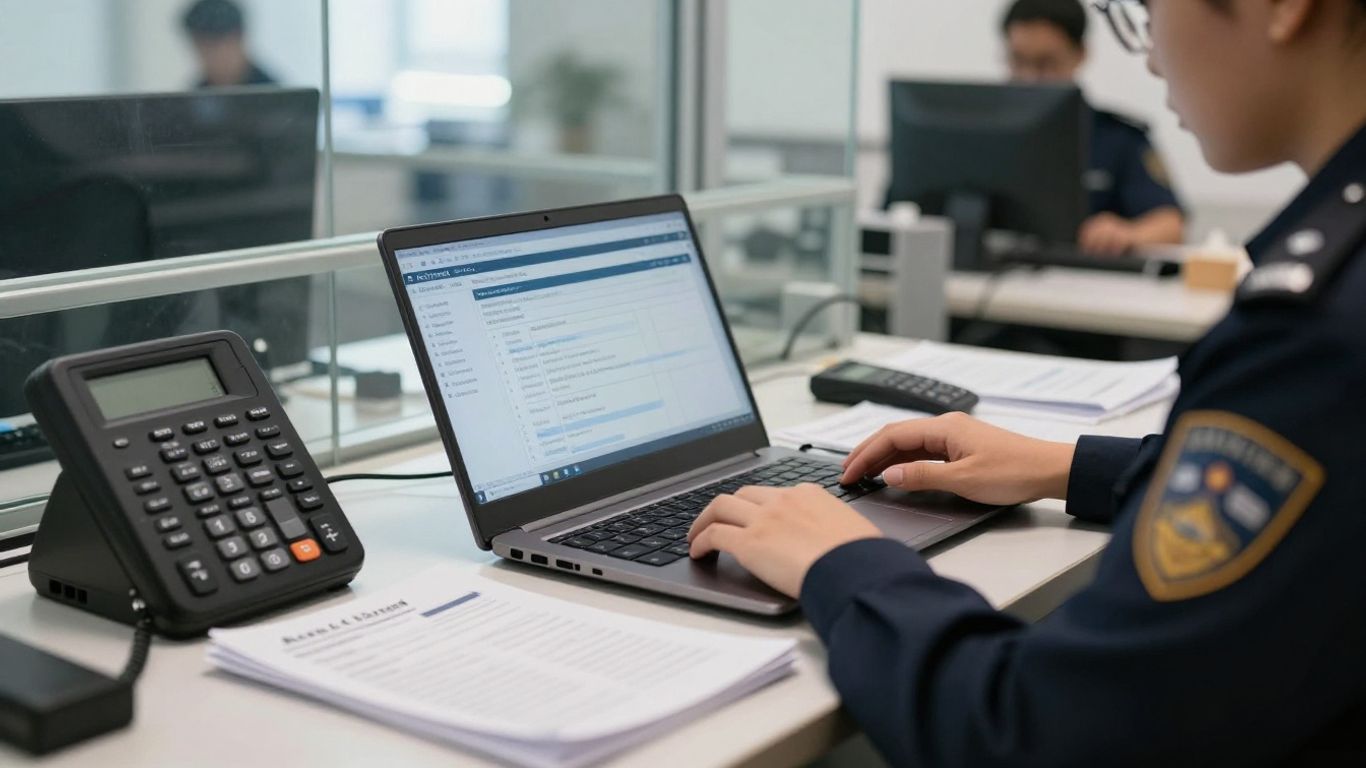
The Contact Support page is a useful destination when you are unsure where to begin, especially if the problem involves loading or access to a support resource. Keep the page or case reference available after submitting your request.
Name the application, feature, door, reader, credential, or notification involved. If the environment includes more than one system, describe the boundary clearly so the request does not imply that every component is failing. For organizations with several sites, include the site name or internal location identifier.
Copy the exact error text when possible, including capitalization and any reference number. Note recent changes such as a password reset, user update, device replacement, network adjustment, maintenance visit, or policy change. A symptom that appears immediately after a change gives the support team a useful starting point, even when the change later proves unrelated.
Collect only the identifiers needed to distinguish the affected environment. A simple worksheet can keep the details consistent across messages:
| Detail | Example of useful context | Why it helps |
|---|---|---|
| Account or role | Administrator, operator, or end user | Clarifies permissions and approval needs |
| Site or door | Building, floor, entrance, or door label | Narrows the physical scope |
| Device or credential | Reader, controller, phone, or card | Identifies the component to test |
| Time and frequency | First seen, recurring, or continuous | Helps establish a timeline |
After gathering these details, check them against the actual environment before sending the request. Accurate identifiers save time and reduce the chance that someone troubleshoots the wrong door or account.
Do not place passwords, private keys, unrestricted access codes, or unnecessary personal data in a ticket. Redact screenshots before sharing them, and use the organization’s approved method for transmitting sensitive logs or files. If the concern may involve a security vulnerability or exposure, consult the published security notices and use the appropriate security contact rather than distributing details broadly.
Troubleshooting should proceed from the user and credential layer toward the reader, controller, network, and service layers. That sequence helps avoid replacing equipment when the real problem is an expired credential or a local connectivity interruption. Keep a record of each test and its result so the next person can continue rather than start over.
First confirm whether the problem affects one user or multiple users. Check the username, password entry, account status, and any required sign-in steps without asking anyone to disclose a password. If a reset is attempted, record when it happened and whether the user can reach the reset message or page.
For a mobile credential issue, compare the affected phone with a known-working credential and note whether the failure occurs at one reader or several. Check practical factors such as phone availability, application state, permissions, and reader response, while following the organization’s access procedures. Do not repeatedly test a credential at a sensitive entrance if doing so could create a security or operational problem.
A door that will not respond may require coordination between the access system, controller, power, lock hardware, and network path. Record whether the door is unlocked, locked, offline, intermittently responsive, or behaving differently from nearby doors. A local technician or integrator may need to inspect physical equipment, while the support case should preserve the timing and symptoms.
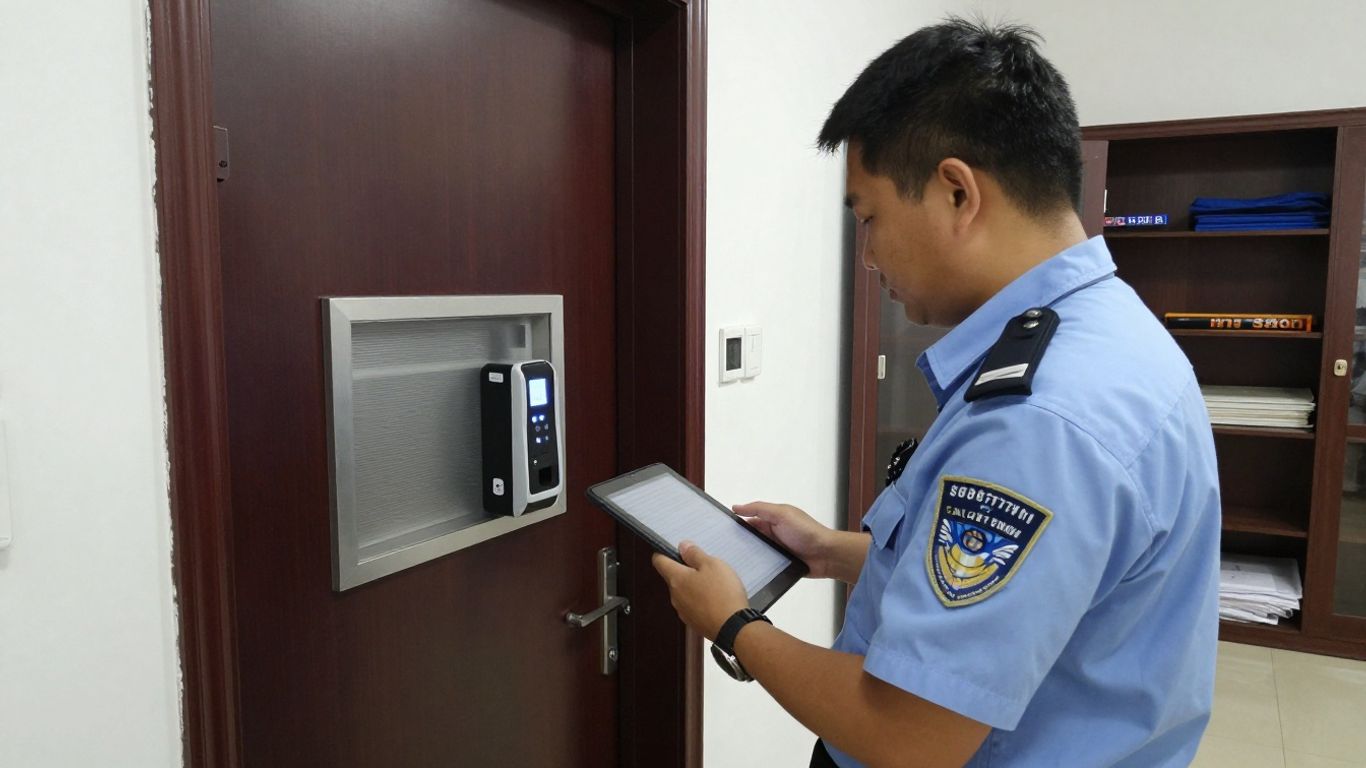
When testing connectivity, change one variable at a time and note the result. This prevents a sequence of reboots or configuration changes from obscuring the original condition.
Start by identifying the alert type, its timestamp, its location, and the recipients who did or did not receive it. Compare the event with what staff observed on site, then check whether the condition is isolated or part of a wider service interruption. Current notices can add useful context, but they should not replace direct verification of the affected environment.
A short video on access-control troubleshooting can help new administrators understand the vocabulary and sequence of basic checks. Use it as general orientation, not as permission to make an unapproved security change.
An urgent incident is defined by risk and operational consequence, not by how difficult the ticket is to write. A lost credential, an unsecured door, a broad access failure, or evidence of unauthorized activity calls for immediate coordination. Preserve safety first, then create the clearest possible record for technical follow-up.
Escalate immediately when a door cannot be secured as required, a credential may be compromised, access is failing at a critical entrance, or unusual activity cannot be explained. Contact the responsible security or facilities lead and follow the organization’s incident procedure. If there is a threat to people or property, use the appropriate emergency services rather than waiting for a support response.
Use approved local procedures to secure a door, restrict access, disable a credential, or provide a controlled alternative. Avoid improvised changes that could create a second failure or eliminate useful evidence. Write down who authorized the action, what changed, and when normal access is expected to resume.
Give on-site staff a short, consistent description of the symptom and the temporary instruction. If an installer, electrician, locksmith, network provider, or managed service team is involved, assign one coordinator so updates do not conflict. Remote support is most effective when someone can safely observe the physical condition and report back in real time.
Build the incident record while events are fresh. Include the first observed time, affected locations, users or credentials involved, actions taken, people contacted, and the current status. Keep facts separate from assumptions, and preserve relevant camera, event, or system records according to your retention and privacy policies.
A support request is a working document, not a transcript of every thought that occurred during troubleshooting. Put the most important facts first and make the desired next step explicit. This helps the receiving team assess scope quickly and gives internal stakeholders a common reference point.
Open with one sentence describing the failure and one sentence describing its scope. For example, state that users at one entrance cannot gain access, when the condition began, and whether nearby entrances work normally. Then list the tests already completed and the result of each, without turning the summary into a long narrative.
Attach evidence that illustrates the symptom, but remove secrets and unrelated personal information. Label files with the time, location, and purpose, and explain what each screenshot or log entry shows. A compact timeline is often more useful than a large unannotated export because it connects system events with what staff saw on site.
Describe what the issue prevents: staff entry, visitor processing, a scheduled opening, a critical delivery, or normal operations at a site. State how many locations or users are affected and whether a safe workaround exists. This is not about exaggerating priority; it is about giving the support team the operational context needed to respond appropriately.
Keep the case number, owner, response times, and next requested action in one place. After a call, send a brief written recap so everyone shares the same understanding of the test plan. A small action list keeps ownership visible:
Review the list after every update and close the loop with the people affected by the incident. Clear ownership is especially valuable when technical support and on-site operations are working in parallel.
Escalation should add clarity, not simply increase the number of messages. Before requesting further review, assemble the case history, test results, current impact, and any temporary controls. This gives the next level a complete picture and makes it easier to challenge an incorrect assumption constructively.
Request further review when the agreed diagnostic steps are complete, the issue has returned after a supposed fix, the impact has expanded, or the proposed action does not address the observed symptom. Explain what remains unresolved and identify the evidence supporting that conclusion. If the issue is intermittent, include multiple timestamps rather than describing it as random.
A useful status request asks what has been confirmed, what is still being investigated, who owns the next action, and when the next update is expected. Include the case reference and a concise impact statement so the recipient does not need to reconstruct the history. Keep the tone factual, even when the delay is affecting operations.
Bring the account administrator, relevant facilities lead, and integrator into the same plan when permissions, physical equipment, or network dependencies overlap. Assign each party a defined task and agree on the conditions for testing. This avoids parallel changes that make it difficult to determine which action helped or introduced a new symptom.
A workaround should reduce risk without quietly becoming the permanent operating model. Record its owner, limits, review date, and rollback method, then ask what underlying condition must be corrected. Once the issue is resolved, verify normal access, notifications, audit records, and staff procedures before closing the case.
Effective support is a disciplined process: identify the scope, protect the environment, document what changed, and communicate the operational impact in plain language. Whether an issue is routine or urgent, a well-prepared record helps the right people act faster and leaves the organization with a clearer path to prevention.
Write down the exact symptom, affected location or user, start time, recent changes, and troubleshooting steps already attempted. Remove sensitive information from any screenshots or files you plan to share.
Treat a potentially compromised credential, an unsecured door, unauthorized activity, or a widespread failure at a critical entrance as urgent. Follow your incident procedure and use emergency services when there is an immediate threat to people or property.
Provide the door or site identifier, the reader or controller involved, the credential type, the time of the failure, the observed reader response, and whether nearby doors are working normally.
Yes, when they clearly show the error or relevant status. Label each file, include the time and context, and redact passwords, access codes, personal data, and other information that is not needed.
Compare the affected account with a known-working account without sharing passwords. Check the sign-in steps, account status, reset process, and exact error message, then provide those findings in the request.
Use the case reference and ask what has been confirmed, what action is next, who owns it, and when the next update is due. Keep a dated record of responses and temporary controls.
Replace it when the underlying cause is understood and the corrected process has been tested. Document the rollback plan, verify normal operation, and confirm that staff know the revised procedure.
Connect with us to explore our scalable solutions tailored to your unique needs and receive a personalized free quote.